
INDIVIDUAL GUIDES
Hyper V
This page will help you turn off Hyper-V in Windows to ensure compatibility with our software.
🛠️ Turning Off Hyper-V
Open Windows PowerShell as Administrator:
- Type "Powershell" into the Windows search bar.
- Right-click on Windows PowerShell and select "Run as administrator".
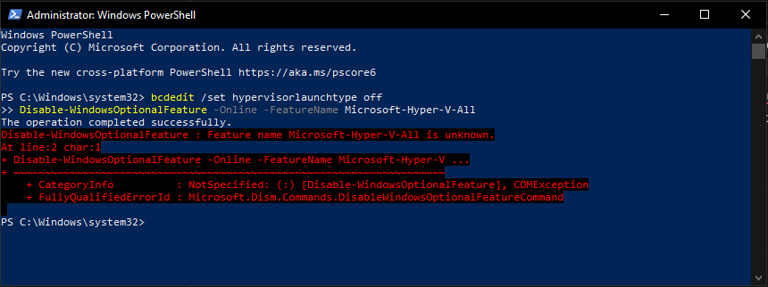
- Run the Following Commands: Copy and paste each line below into PowerShell, pressing Enter after each command:
- bcdedit /set hypervisorlaunchtype off
- Disable-WindowsOptionalFeature -Online -FeatureName Microsoft-Hyper-V-All
Still need help?
Open a support ticket and include your order details, a screenshot, and the exact issue.
Open support